MiniMax H3
Native 2K video with synchronized stereo audio.
Professional video for every use case
Character-led social clips.
Combines face, motion, and voice references to hold a recognizable performer through several shots.Cinematic motion transfer.
Recreates movement from a reference clip while changing the subject, setting, or visual treatment.UI and product showcases.
Renders interface motion, readable labels, and clean transitions for launch videos and design presentations.Multi-shot story scenes.
Builds timed shot sequences with dialogue, ambience, and camera direction inside one generation.Native 2K video with stereo sound
H3 creates picture and sound together rather than treating audio as a separate finishing step. Its native 2K pipeline recovers fine details while keeping dialogue, effects, ambience, and music timed to the scene.
- •5–15 second clips
- •24 frames per second
- •Synchronized dialogue and lip movement
- •Generated foley, ambience, and music
- •Six fixed aspect ratios plus adaptive framing
- •Improved recovery of small text and details
Mix image, video, and audio references
H3 reads text, images, video, and audio as one unified context. Tell it which reference supplies the subject, motion, style, voice, or soundtrack for the final clip.
- •Up to nine image references
- •Up to three motion-reference videos
- •Up to three audio references
- •Up to 12 reference files total
- •Subject, scene, and style guidance
- •Natural-language reference relationships
Generate and edit with natural language
Use the same model for generation, frame control, reference-driven transformation, and targeted edits. This reduces the need to rebuild an approved shot when only one element needs changing.
- •Text-to-video generation
- •Animate a supplied opening image
- •First and last frame control
- •Video-to-video motion transfer
- •Replace, remove, or add scene elements
- •Revise backgrounds, lighting, or dialogue
Multi-shot sequences in one generation
H3 can model several shots inside a single result and follow relationships expressed in ordinary language. Structured sequences can maintain a shared subject, style, and soundtrack across each beat.
- •Prompt-defined shot order
- •Directed camera movements
- •Timed dialogue and sound cues
- •Continuity across changing angles
- •Accurate brand and title presentation
- •Natural transitions between shots
How it works
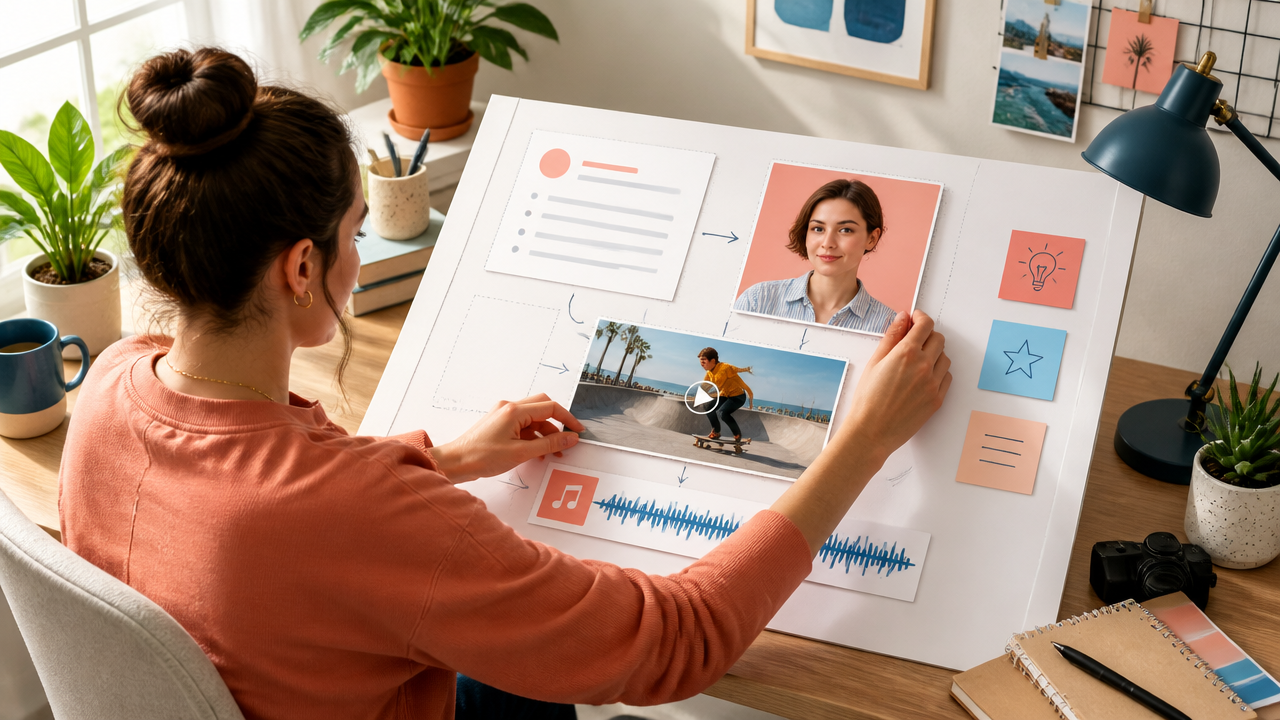
1
Describe and add references
Write the subject, action, camera movement, dialogue, and sound. Add image, video, or audio references when you need to preserve identity, motion, style, or voice.
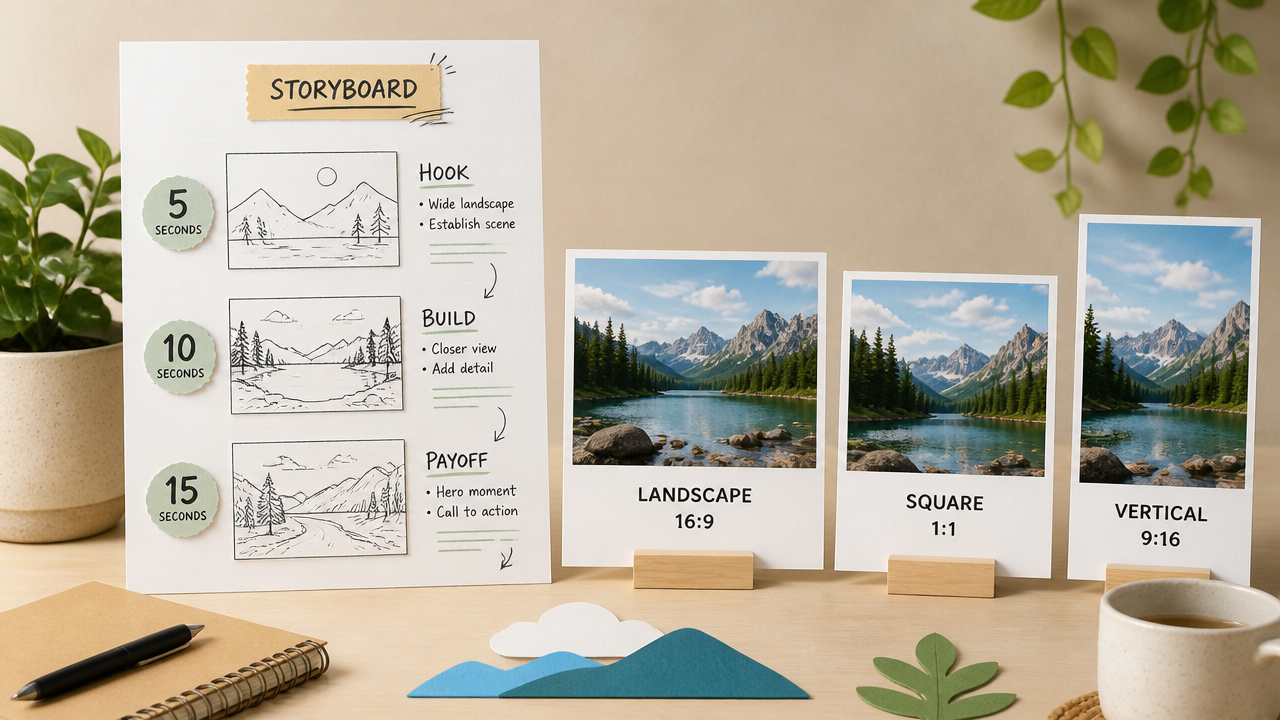
2
Choose length and framing
Choose a 5–15 second duration and the aspect ratio for the destination. For image-driven runs, supply a starting frame and optionally an ending frame to control the transition.
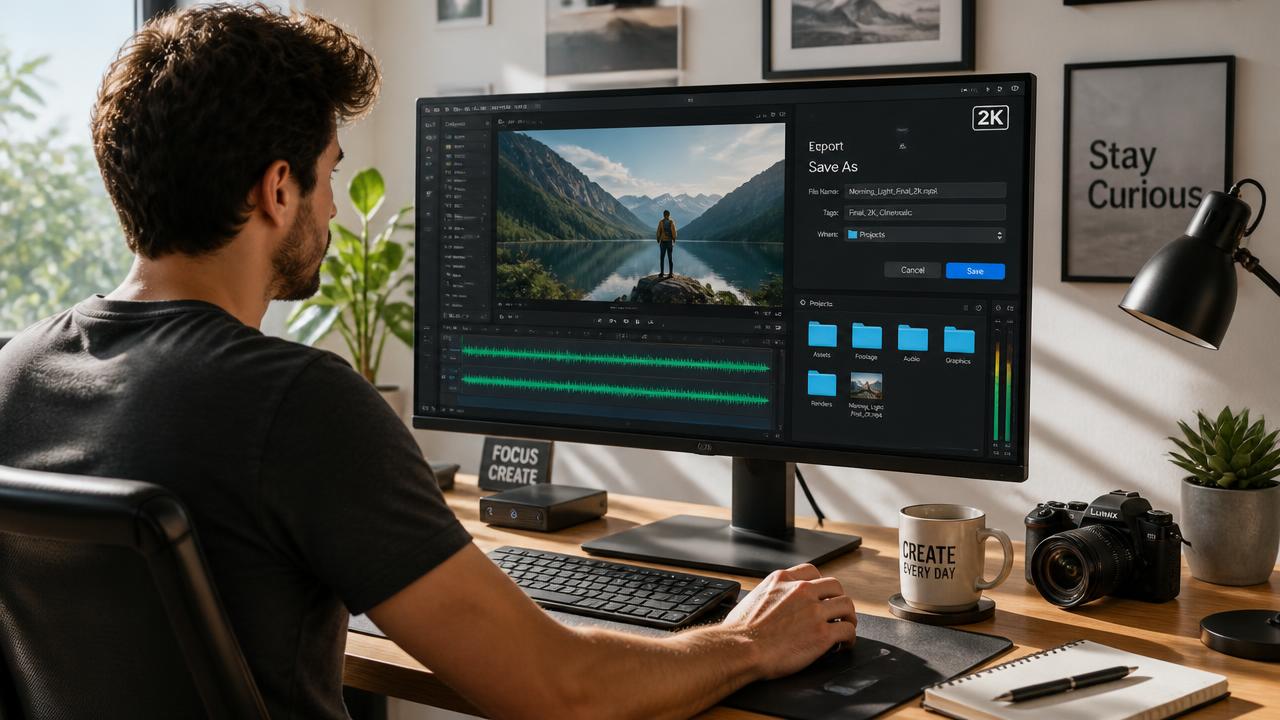
3
Generate, review, and download
Generate the clip, review it with sound on, and check faces, text, motion, and timing. Download the result or revise the instructions and references for another pass.
Pricing for MiniMax H3
Runs on credits — no per-model surcharges, no surprise billing.
25credits
per generation
25 credits per image
Frequently asked questions
What is MiniMax H3?▾
MiniMax H3, sometimes called Hailuo 3.0, is a general-purpose multimodal generation model from MiniMax. It creates video from text and mixed media references, with native stereo audio, multi-shot modeling, and output up to 2K.
How does MiniMax H3 work?▾
H3 interprets text, images, video, and audio within one shared context. Your prompt explains how those references relate to the intended result, allowing the model to combine a subject, motion, style, voice, and sound direction in one generation.
What inputs does MiniMax H3 accept?▾
H3 supports text prompts, starting images, first-and-last-frame pairs, reference images, video clips, and audio files. Reference-driven generation can use up to nine images, three videos, and three audio clips, with up to 12 files in total.
Does MiniMax H3 generate audio?▾
Yes. It generates native stereo dialogue, sound effects, ambience, and music alongside the picture, so audio can follow visible actions and scene changes. Audio references can also guide voice and sound direction.
What resolutions, lengths, and aspect ratios does MiniMax H3 support?▾
MiniMax H3 produces downloadable video clips from 5 to 15 seconds at 24 frames per second, with output up to 2K. It supports landscape, portrait, square, and wider cinematic ratios, plus adaptive framing. First-and-last-frame generations follow the uploaded image ratio.
How much does MiniMax H3 cost?▾
Generation uses credits, with usage generally increasing for longer clips, higher resolution, and more complex workflows. Check the displayed credit estimate before generating because rates and available settings can change.
How does MiniMax H3 compare to other AI video generators?▾
H3 focuses on unified multimodal control rather than treating text-to-video, motion reference, audio generation, and editing as isolated tasks. Its strongest positioning is native 2K audiovisual output, mixed references, multi-shot generation, and natural-language editing within one model.
Can I use MiniMax H3 commercially?▾
H3 is designed for advertising, branding, e-commerce, product design, and other commercial content workflows. Usage rights still depend on the generation service's terms and MiniMax's current license. Review those terms before publishing paid, client, or redistributed work.
Can MiniMax H3 edit an existing video?▾
Yes. H3 supports video-to-video references, motion transfer, and natural-language changes to subjects, objects, backgrounds, lighting, dialogue, and sound. For targeted edits, describe exactly what should change and what should remain stable.
Is MiniMax H3 an open-weight model?▾
MiniMax announced H3 as an open model and stated that model weights would be released subject to applicable laws and regulations. Check MiniMax's current release and license before self-hosting, fine-tuning, or distributing a modified version.